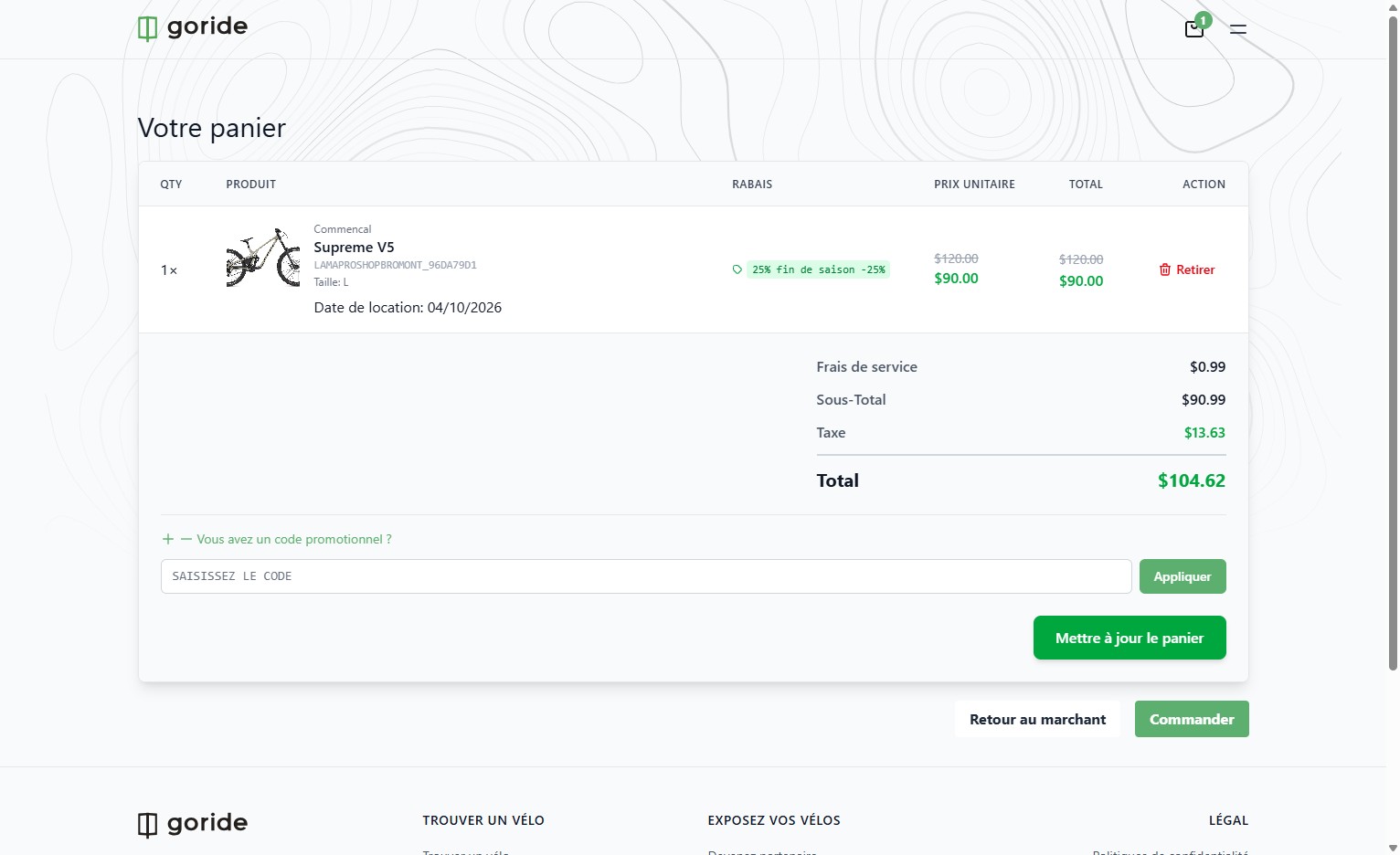
Step 1 — Navigate to Your Dashboard
Go to your GoRide merchant dashboard.
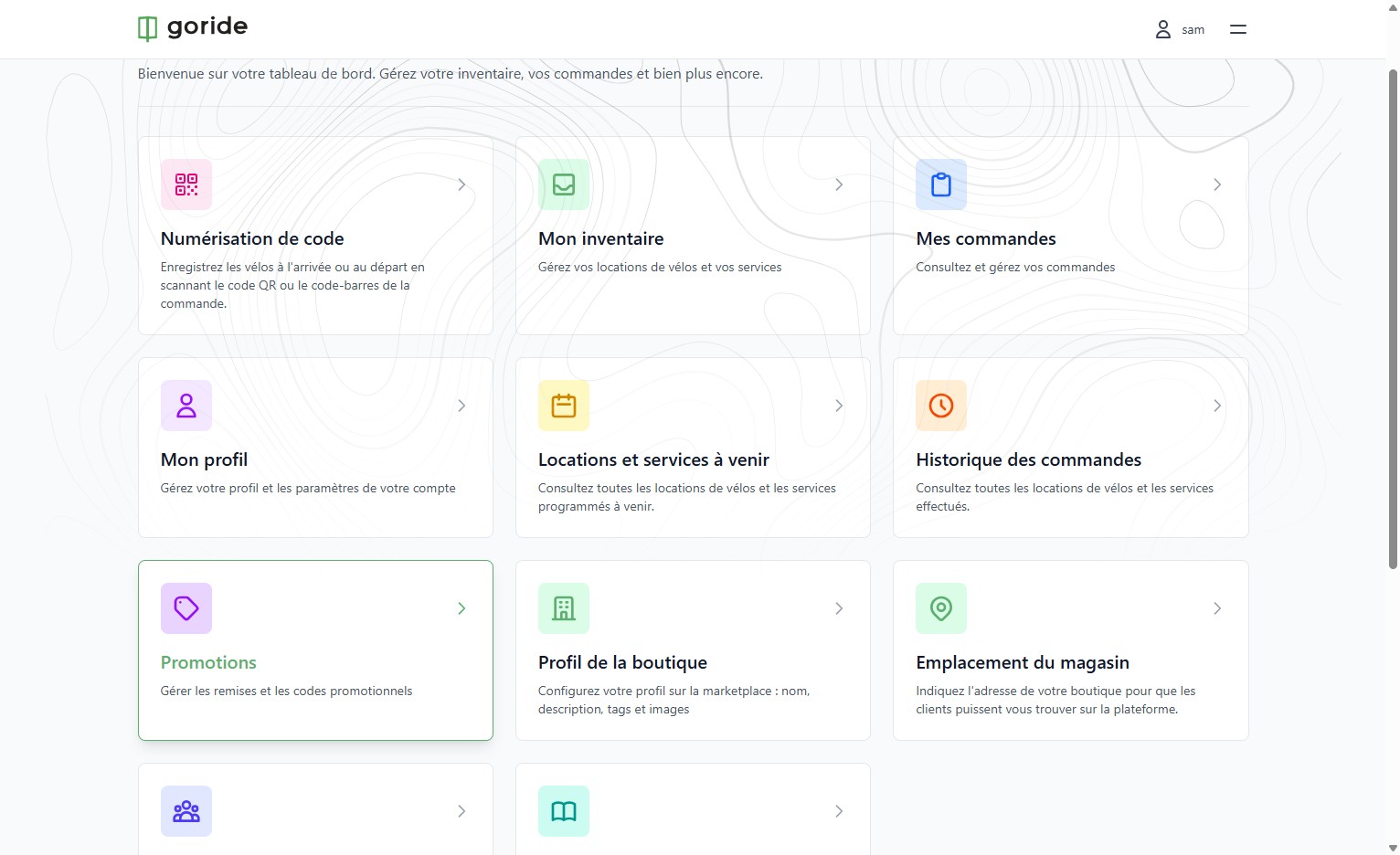
Step 2 — Open Promotions
Click "Promotions Gérer les remises et les codes promotionnels" to access your promotions section.
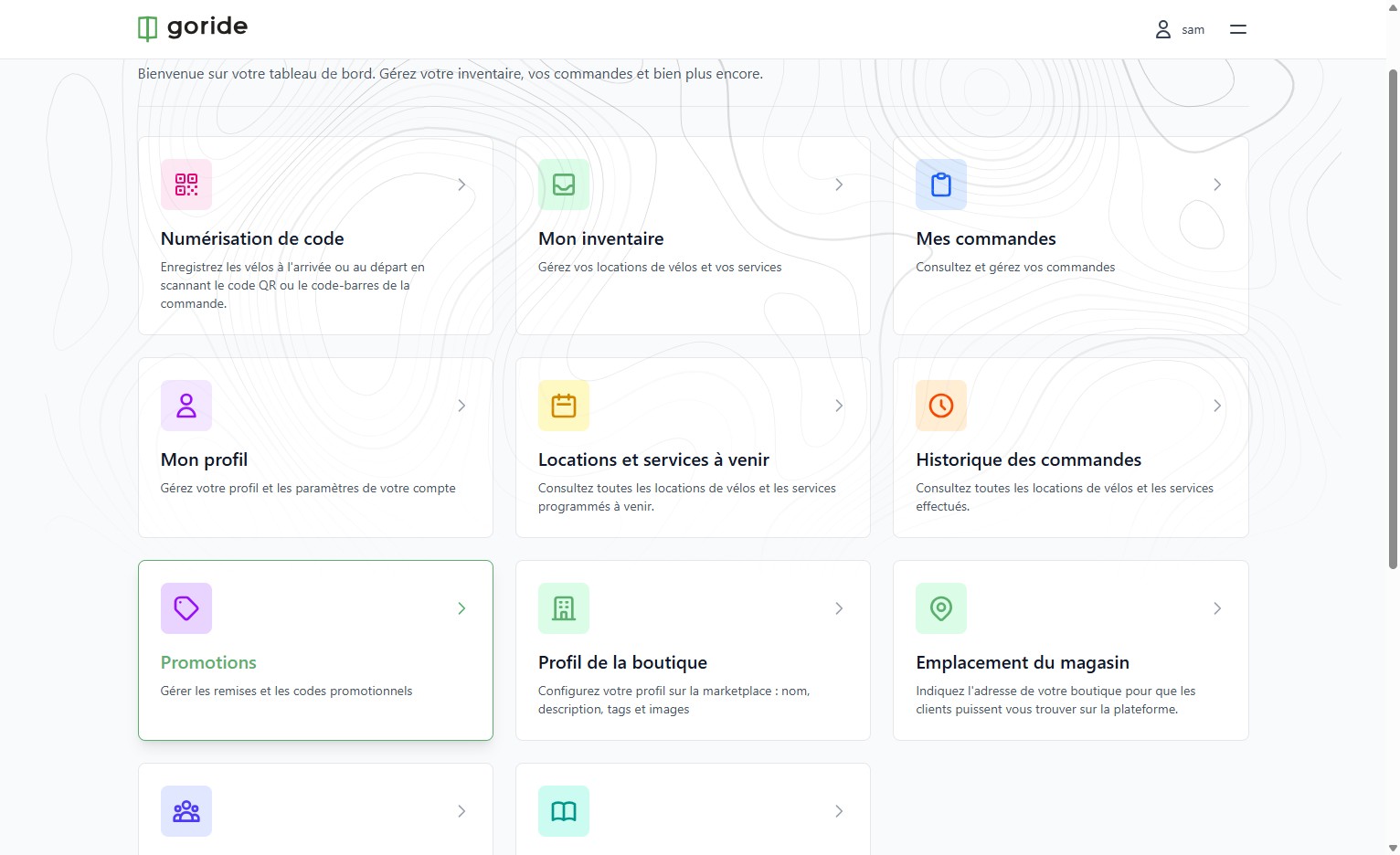
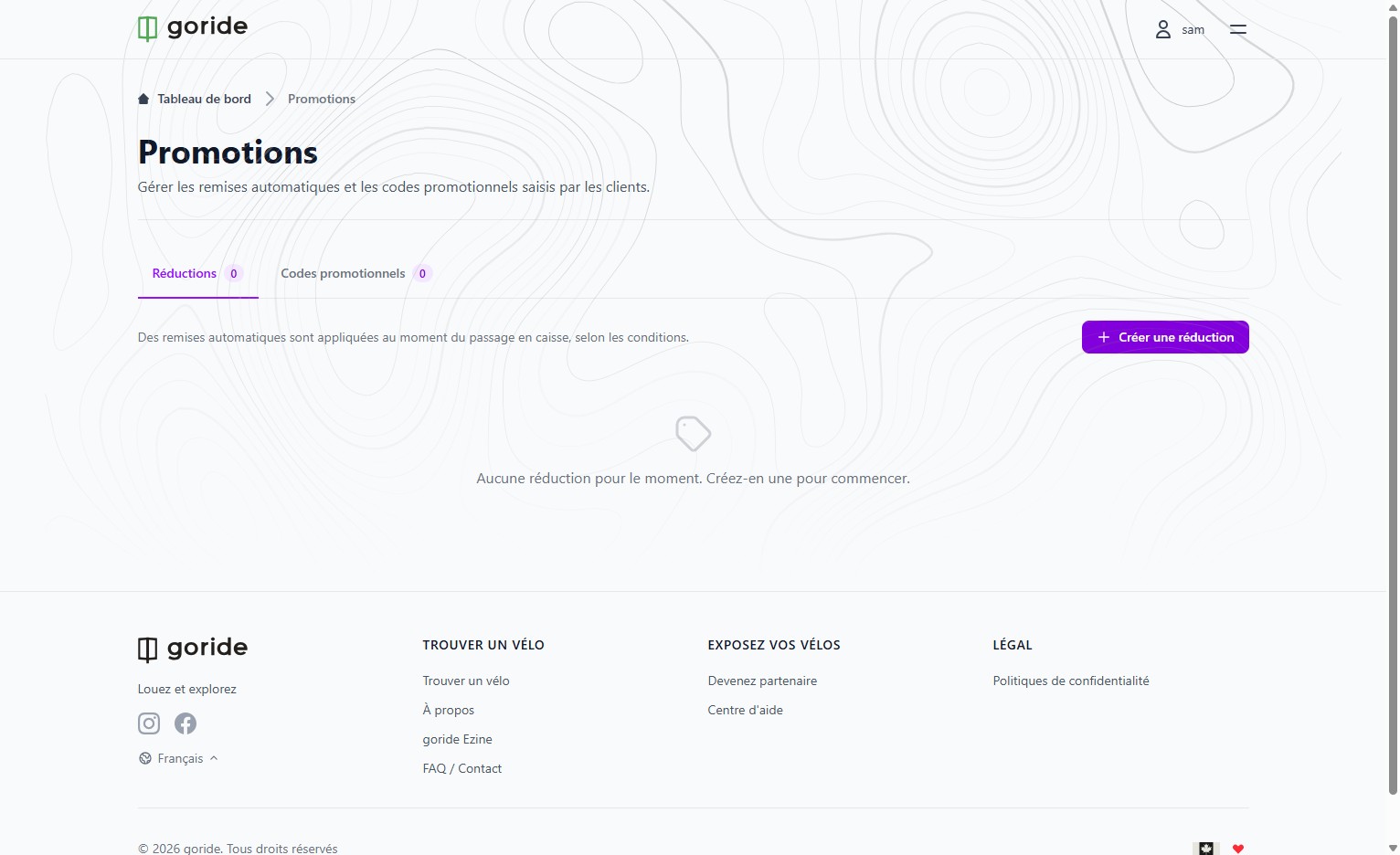
Step 3 — Create a New Reduction
Click "Créer une réduction" to start building a new discount.
Step 4 — Name Your Discount
Click the "Exemple : Réduction sur la location de vélos pour l'été" field and enter a name for your discount.
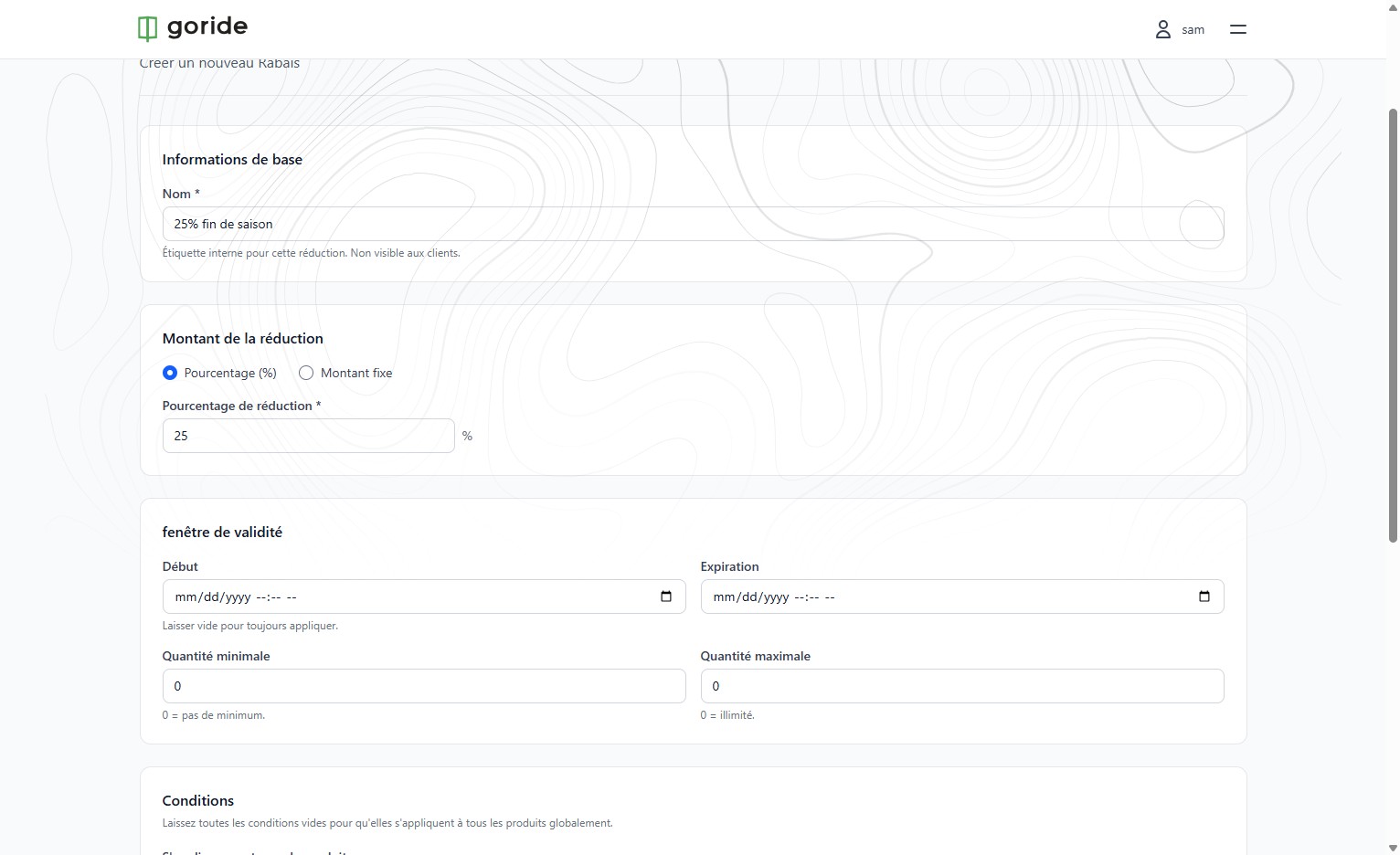
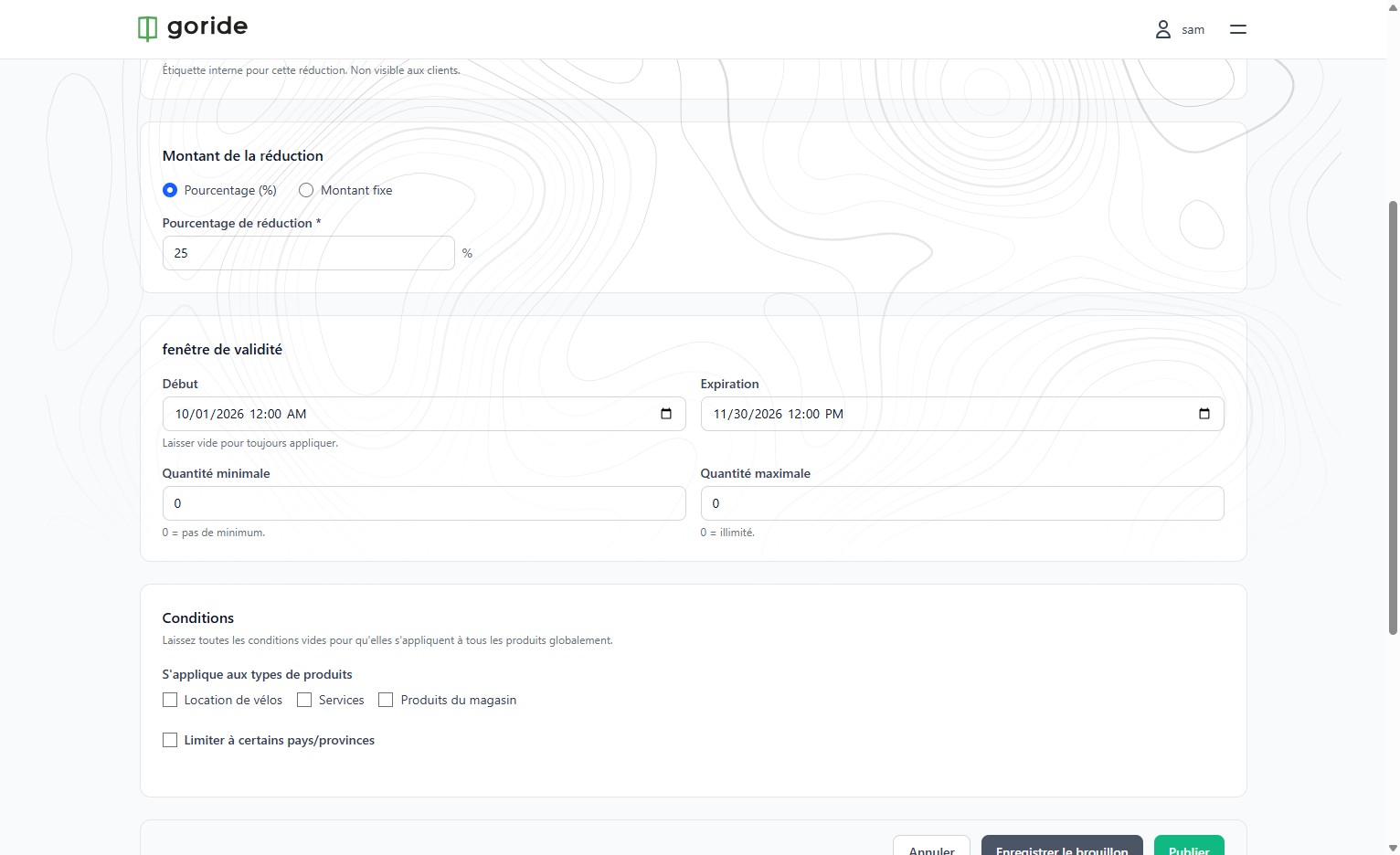
Step 5 — Set the Validity Window
Click the "fenêtre de validité" field to define the start and end dates for your discount.
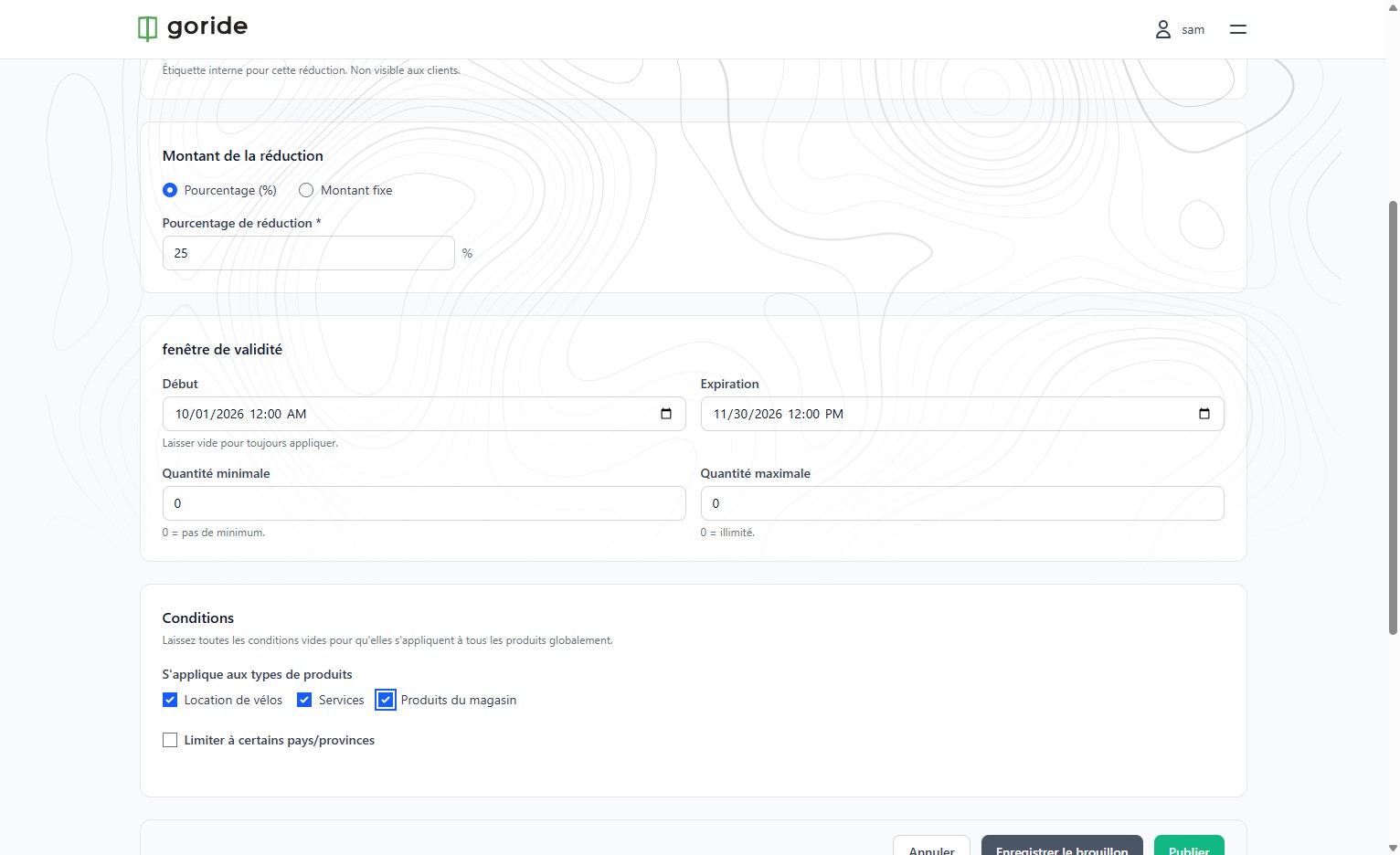
Step 6 — Apply to Shop Products
Click the "Produits du magasin" checkbox to apply the discount to your shop's inventory.
Step 7 — Save Your Reduction
Click "Sauvegarder" to confirm. Your new discount will appear in the promotions list.
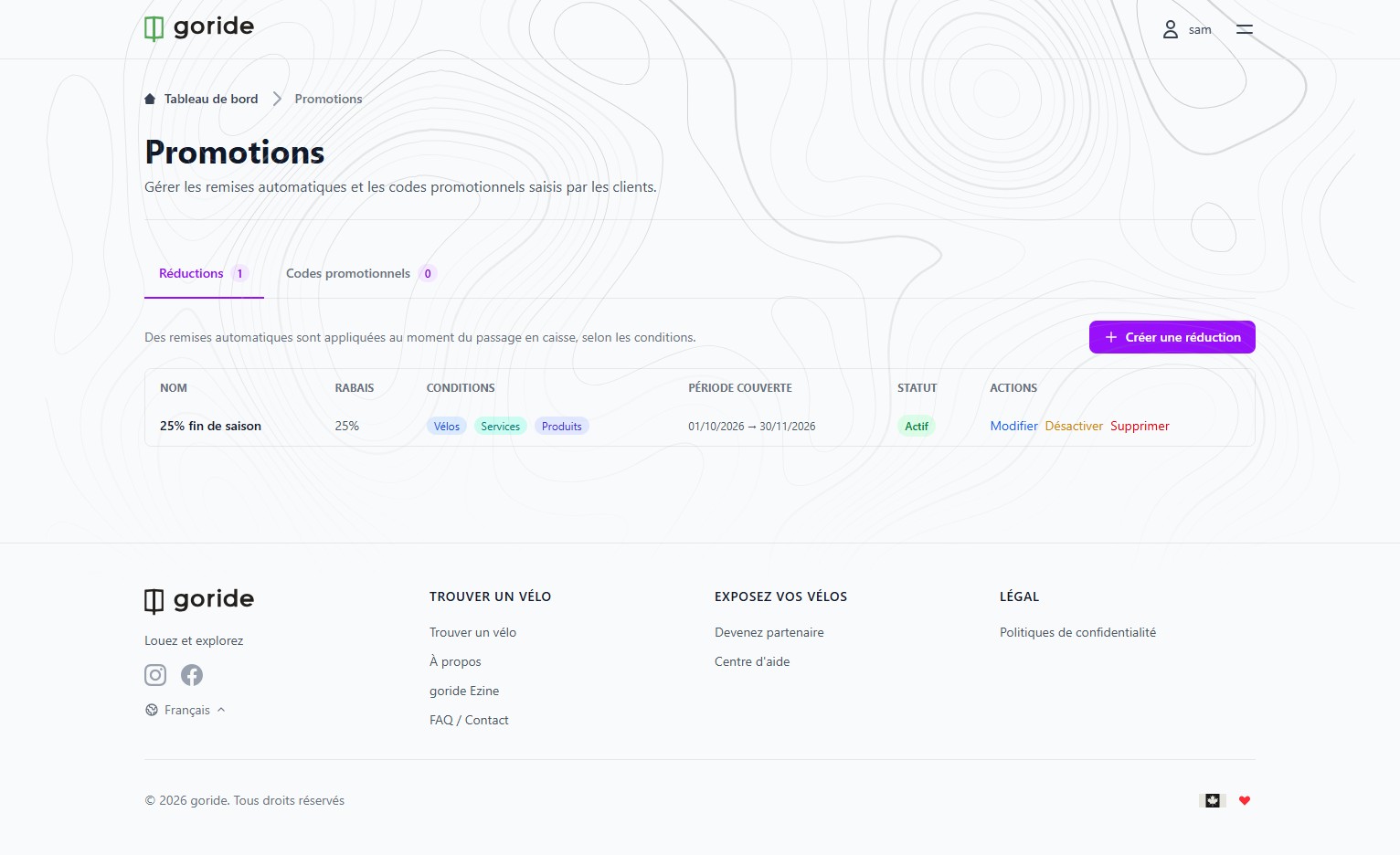
Discount Active
At checkout, when a client adds a product to their cart with reservation dates during your reduction's validity period, the discount is automatically applied.