Step 1 — Go to Your Dashboard
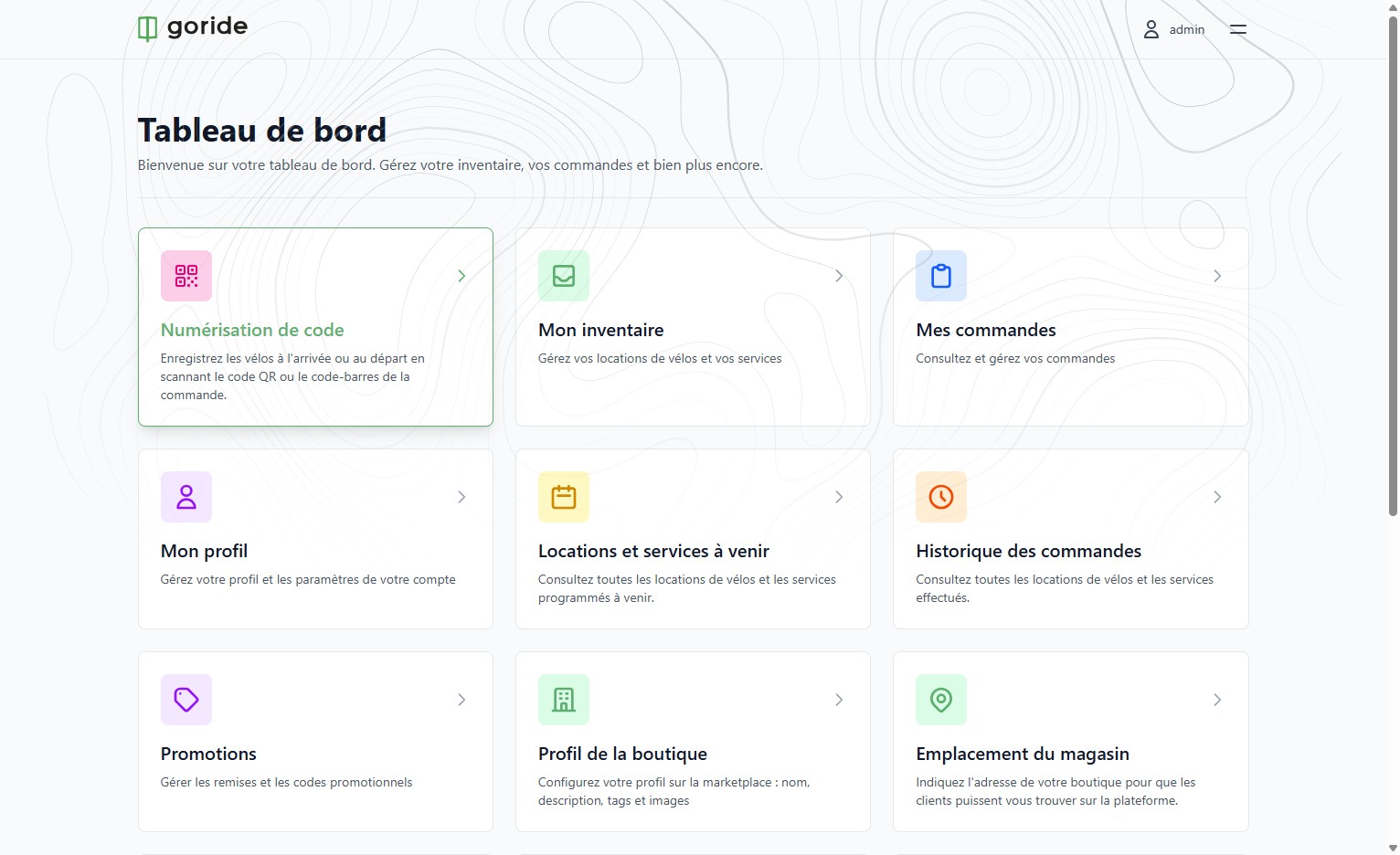
Navigate to your GoRide merchant dashboard.
Step 2 — Open the Code Scanner
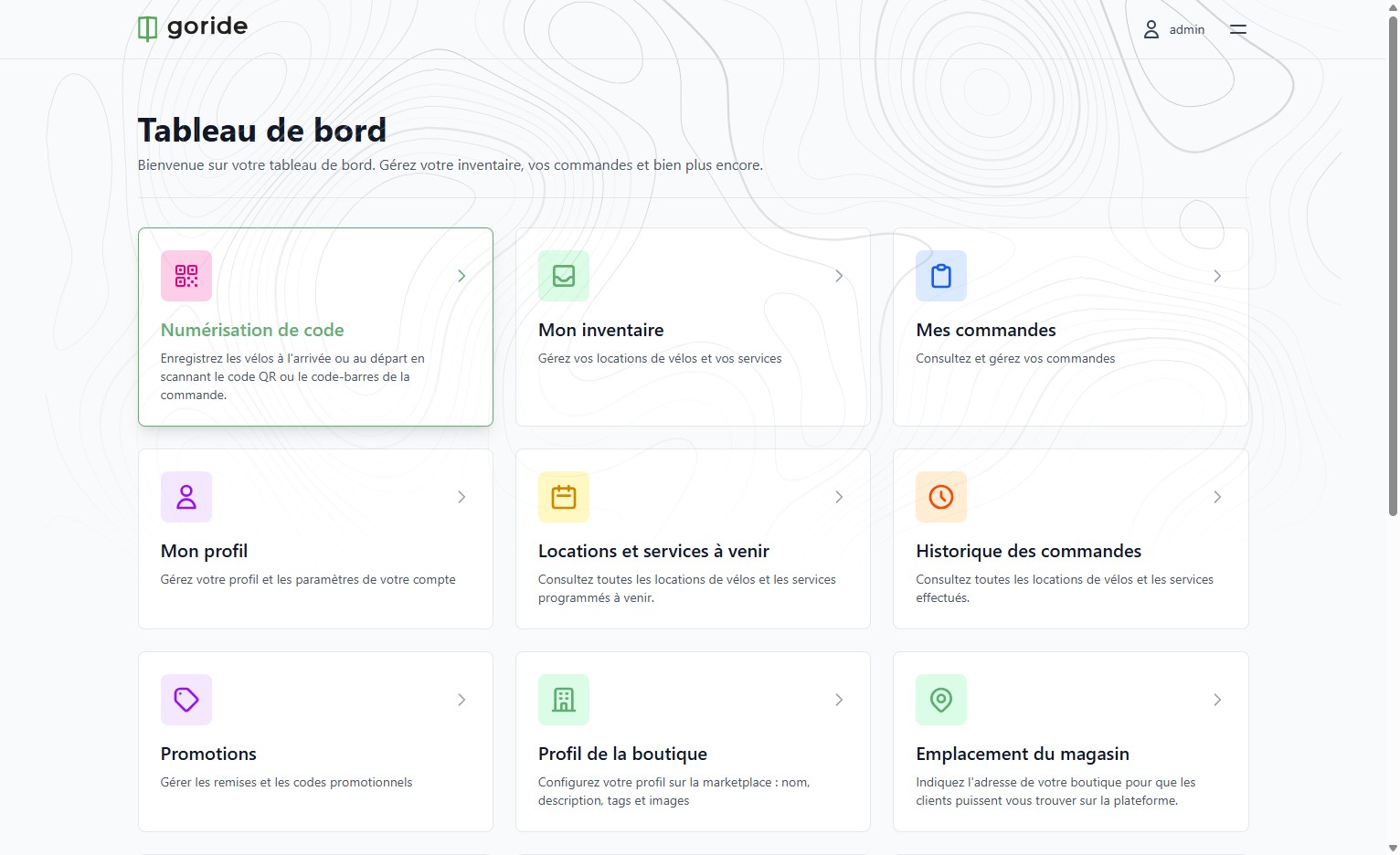
Click on "Numérisation de code" to access the QR and barcode scanning section.
Step 3 — Review the Scanning Instructions
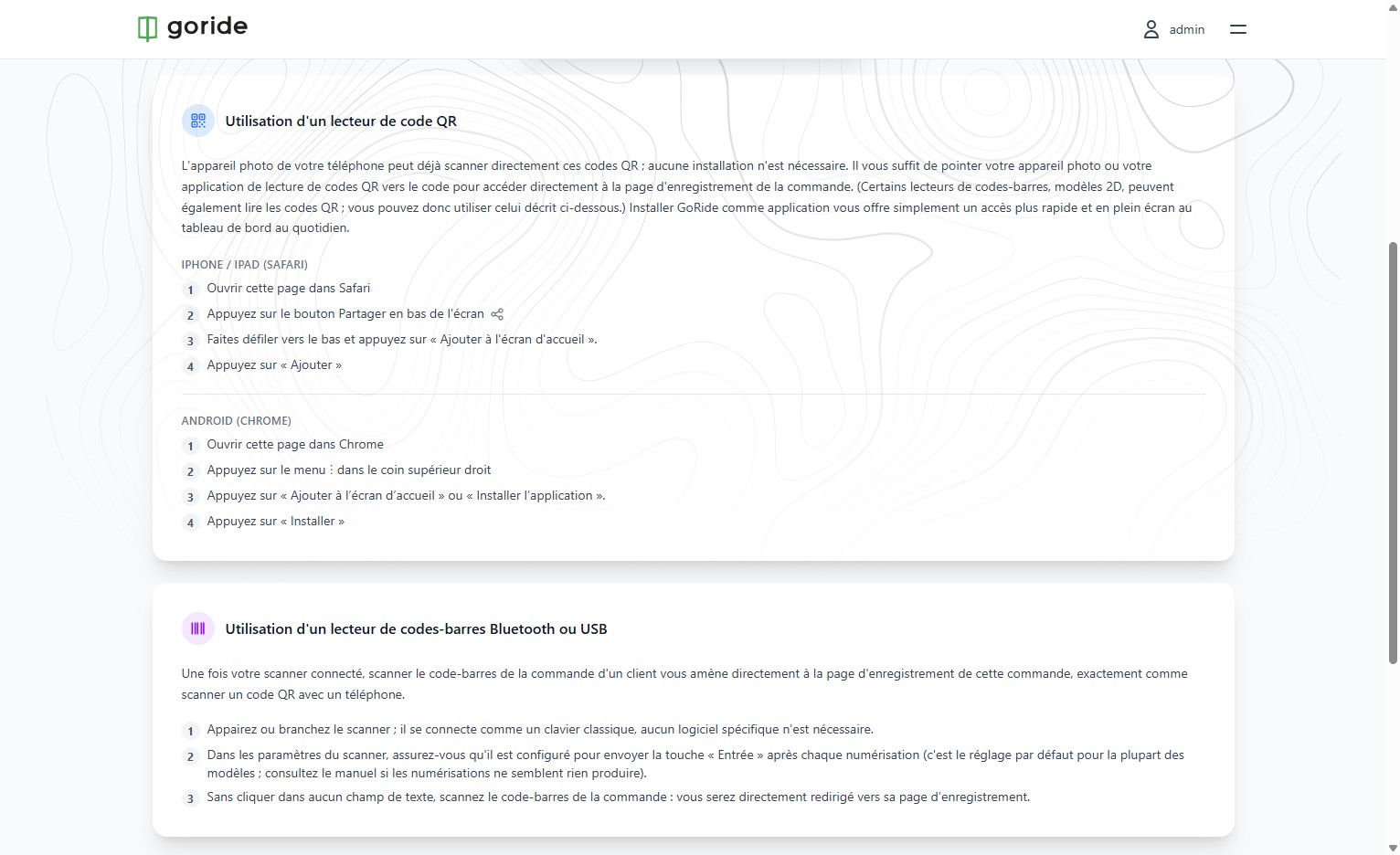
The details for using the QR scanner on any phone can be found here. Important: the user must be logged in with a Shop Manager or Shop Operator account to use this feature. From a computer connected to a Shop Manager or Shop Operator account, a standard barcode scanner can also be used to access the reservation.
Step 4 — Scan the Rider's Confirmation Email
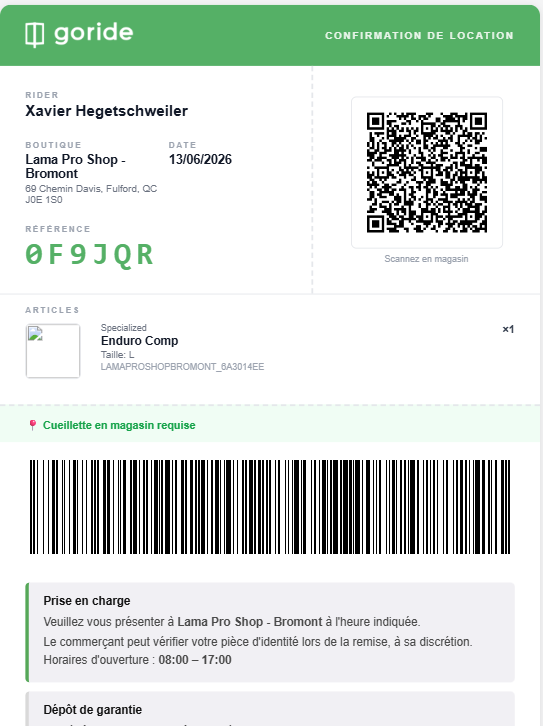
Here is an example of the reservation confirmation email the rider will show you. Both the QR code and the barcode are scannable directly on the rider's phone.
Bike Registered
You can now scan riders in and out quickly using the QR code or barcode on their confirmation email, keeping your inventory accurate in real time.